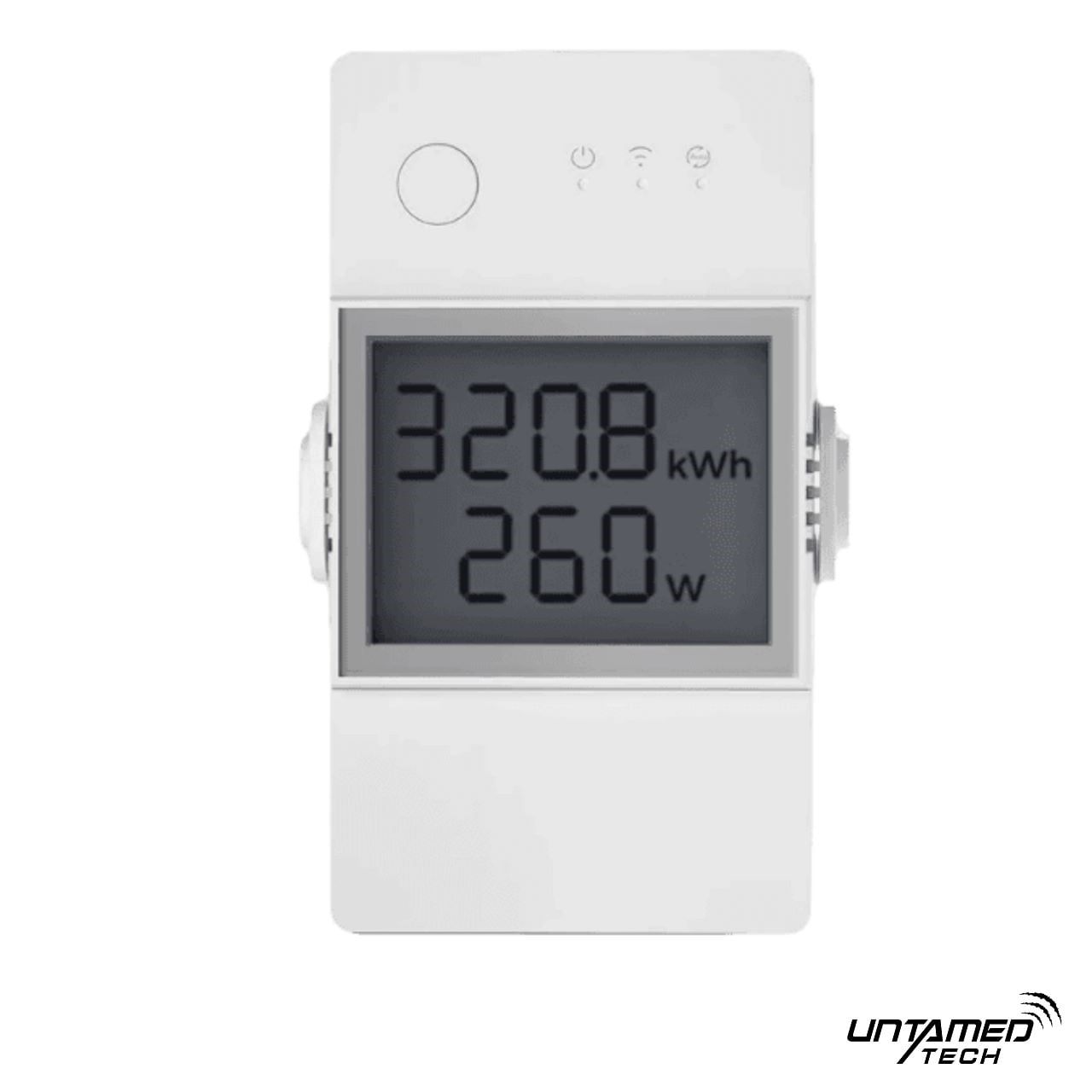
We help Gauteng homeowners get already-installed devices working properly through device configuration without app soup, orphan entities, or a smart home nobody can use.

8
Years Experience
1
Awesome Team
9
Provinces
664+
Satisfied Clients
Hardware on the wall is not a working system
Mounting gets devices into the building. Configuration is what makes them usable — named, joined, and tidy enough that the household stops fighting the apps.

Orphan devices and mystery names
Shelly and Sonoff gear that joined a vendor app once, then sat unnamed. Nobody knows which relay is the passage light.
- Default hostnamesDefault hostnames
- Mixed brand labelsMixed brand labels
- Forgotten channelsForgotten channels
Half-joined networks
Wi-Fi credentials changed, Zigbee stick never paired, Matter codes lost — devices that power on but never reach Home Assistant.
- Wrong SSID / bandWrong SSID / band
- Zigbee / Matter gapsZigbee / Matter gaps
- Cloud-only leftoversCloud-only leftovers
Messy entities and broken scenes
Home Assistant fills with duplicates, unavailable entities, and dashboards nobody trusts — so automations get turned off.
- Entity sprawlEntity sprawl
- Dashboards that lieDashboards that lie
- Fragile scenesFragile scenes


What proper configuration delivers
You get devices that are named, joined, and tidy in Home Assistant — not a pile of orphan apps and broken scenes.
Named & discoverable
Consistent naming
Shelly/Sonoff channels labelled by room and role — not serial codes.
Household-ready
Anyone can find the passage light without opening three vendor apps.
Room-clear labels
Joined to the right stack
Protocol membership
Devices on the network and hub you actually use — not stuck in setup limbo.
Local-first where possible
Prefer local control paths so cloud hiccups do not brick the lights.
Wi-Fi · Zigbee · Matter
HA tidy & scene-ready
Clean entities
Duplicates pruned, areas set, entities visible and testable in Home Assistant.
Usable dashboards & scenes
Cards and scenes wired to the right entities so Goodnight actually works.
Entities you can trust


What's included
A full software configuration path for devices already installed or DIY-mounted.
Inventory & naming
We list every Shelly, Sonoff, and related device already on site, then apply room-clear names and channel labels so the household can find anything without guessing serial codes.
Book configurationShop Now
Network & protocol join
Wi-Fi credentials, Zigbee pairing, and Matter commissioning completed properly — including 2.4 GHz checks — so devices stay online instead of dying in setup limbo.
Book configurationShop Now
Home Assistant entity setup
Integrations enabled, areas assigned, and entities cleaned so switches, sensors, and PM channels show up once — ready for automations, not duplicate ghosts.
Book configurationShop NowDashboards, scenes & tidy-up
Dashboards pointed at the right entities, baseline scenes built or repaired, and a short handoff so Goodnight and Away stop breaking every week.
Book configurationShop Now

How we configure
A repeatable software process — not physical mounting, not a full HA OS rebuild.
Audit
Walk the home (or remote session) and map every device, network path, and current app/HA state. Flag orphans, wrong SSIDs, and naming chaos before we touch config.
Join
Get devices onto the correct Wi-Fi, Zigbee network, or Matter fabric. Fix credential and band issues so pairing sticks instead of failing overnight.
Configure
Apply consistent names, enable the right integrations, assign areas, and prune duplicate or unavailable entities in Home Assistant.
Prove
Test switches and sensors, rebuild baseline scenes/dashboards, document what changed, and hand over so support has a clear baseline.

What we configure
Software and network setup for gear already installed — not mounting, not a full HA OS build, not AI voice.
- Shelly & Sonoff naming
- Wi-Fi, Zigbee & Matter join
- Home Assistant entity setup
- Dashboards & scene tidy-up
Shelly & Sonoff naming
Labels humans understand
Room and role naming for Shelly relays, Sonoff Minis, multi-channel Pros, and sensors — consistent across vendor apps and Home Assistant.
Wi-Fi, Zigbee & Matter join
On the right fabric
Wi-Fi credential and band fixes, Zigbee stick pairing, and Matter commissioning so devices stay online and controllable locally where possible.
Home Assistant entity setup
Integrations that stick
HA integrations enabled, areas set, and entity IDs cleaned so automations target the real switch — not a ghost from last month’s rename.
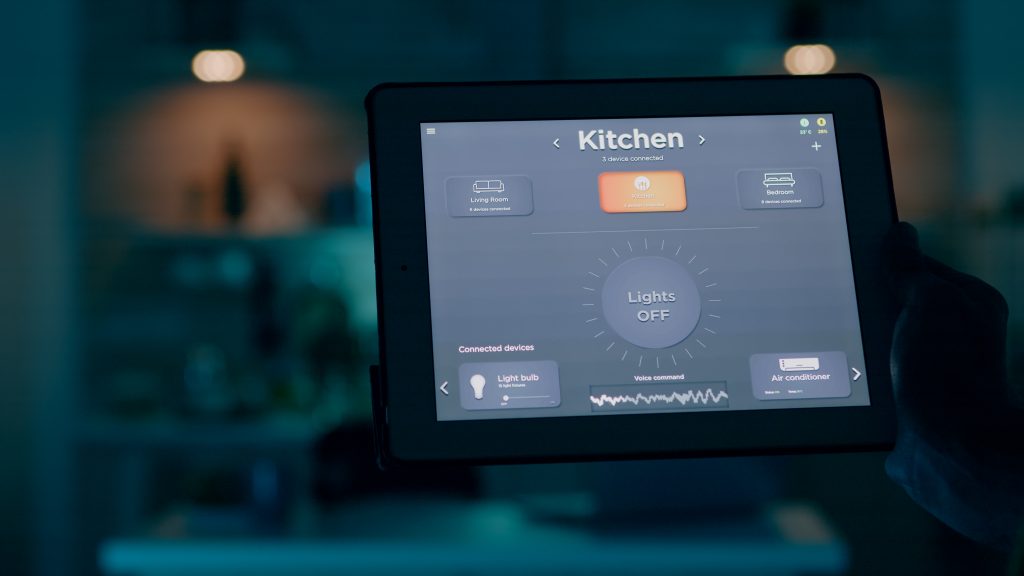
Dashboards & scene tidy-up
Scenes that survive
Dashboard cards retargeted, baseline scenes rebuilt, and unused entities pruned so the UI matches what is actually installed.
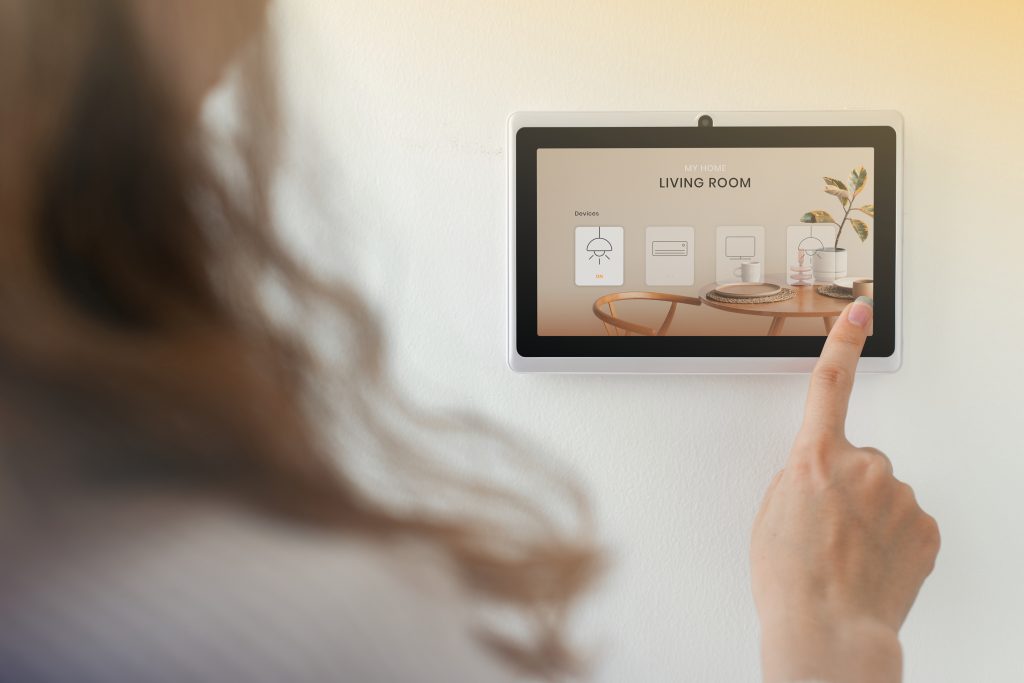
Why Us
Why Untamed Tech for device configuration
We stock the hardware and live in the same Home Assistant stack we configure for you.
Other companies:
Generic IT / Wi-Fi guy
Gets devices online — rarely names them for HA or builds usable scenes.
DIY forum rabbit hole
Hours of conflicting guides; entities still duplicated and scenes still break.
Install-only electrician
Hardware on the wall; config, HA join, and handoff left as your homework.
With Untamed Tech:
Smart-home config specialists
Shelly, Sonoff, Zigbee, Matter, and HA entity hygiene is daily work for us.
Clear service boundaries
Config only here — mounting is Product Installation; deep HA OS is Home Assistant Setup.
Same shop + support stack
Buy, configure, and get help from one Untamed Tech team — no finger-pointing.
Configuration packages (placeholder pricing)
Starter numbers for layout — replace with your real rates when ready. Amounts below are placeholders in ZAR.
up-to-5
R950// session
Naming, network join, and basic HA entity pass for a small set of already-installed devices.
- Up to 5 devices
- Consistent naming
- Wi-Fi / basic protocol join
- Smoke-test switches & sensors
room-pack
R2,450// session
One area fully configured — names, join, HA entities, and a tidy local dashboard or scene set.
- Single-room device set
- HA entity & area setup
- Dashboard or scene tidy
- Handoff notes
whole-home-config-day
R5,500// day
A full-day configuration pass across rooms — naming, protocols, HA tidy-up, and baseline scenes.
- Multi-room config day
- Wi-Fi / Zigbee / Matter join
- HA entity hygiene pass
- Dashboards, scenes & handoff
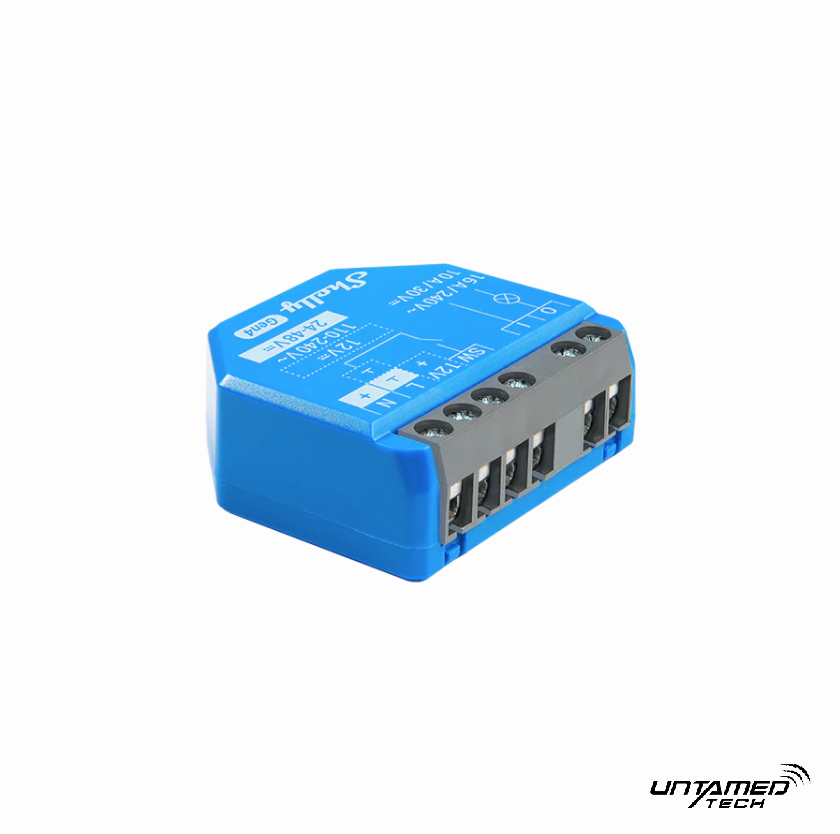
Related Products


Device configuration FAQs
Straight answers before we book the session.
Is this the same as Product Installation?
No. Product Installation is physical mounting and wiring. Device Configuration is software and network setup for devices already installed or DIY-mounted.
Do I need Home Assistant already?
Helpful, but not required for every job. We can leave a solid local/app setup, or join devices into an existing HA. A full HA OS build is our Home Assistant Setup service.
Can you configure devices I installed myself?
Yes — that is the main use case. Bring Wi-Fi details, hub access, and a list of what is already on the wall.
Do you cover Zigbee and Matter?
Yes. We handle Wi-Fi join, Zigbee pairing (including stick/hub checks), and Matter commissioning where the hardware supports it.
Is AI voice / Assist included?
No — that is HA AI Assistant Setup. This service stops at naming, join, entities, dashboards, and scenes.
Remote or on-site in Gauteng?
Both. Many config jobs work remotely if you can share screen/credentials securely; denser whole-home days are often on-site across Gauteng.

Devices on the wall. Still half-configured?
Book a config session
Placeholder: free config consult with any Untamed hardware order