Short answer: the automations that are already on the box keep running if the box, the Wi‑Fi, and the device still have power.
Home Assistant does not keep a 3 kW geyser alive. It does not open a gate whose motor battery is flat. It does not fetch a new schedule from the cloud when Eskom has taken the street.
What it can do in Stage 4 is quieter than the marketing: the house uses the last plan it had, on the LAN, without waiting for Shanghai or California to answer.
If that is all you needed, you can stop here. The rest is what actually fails on site.
Three clocks, not one
Load shedding hits a smart home in three places. People mash them together and then blame the software.
1. The load itself Geyser, gate motor, lights on the non-backup DB. If that circuit is dark, no app on earth switches it.
2. The network Fibre ONT, router, mesh nodes. Most “the smart home died” reports are this. The Green is fine. The phone cannot see it because Wi‑Fi is dead.
3. The brain Home Assistant Green or whatever you used instead. A tiny load. A small UPS carries it for hours.
Get those three straight and the rest of this post is obvious.
What still works
Assume the Green and the router are on a UPS, and the device you care about is on backup or still has grid.
- Dashboards on a phone that is on that same Wi‑Fi
- Automations already saved on the hub
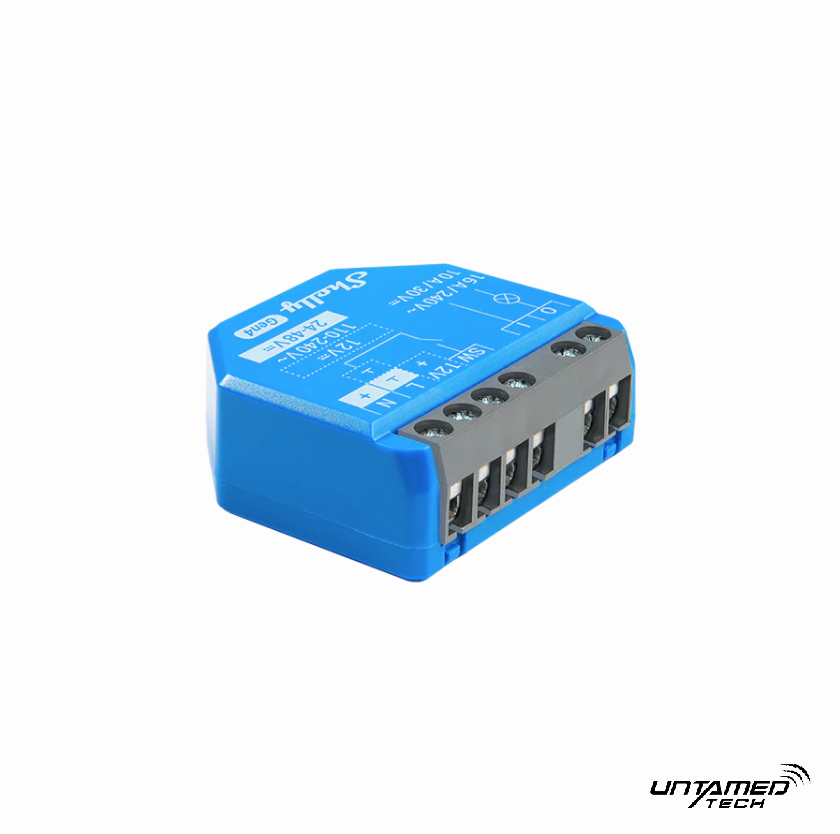
- Local Sonoff / Shelly control if the device itself still has power and is not waiting for the vendor cloud
- A wall tablet that talks to
homeassistant.localon the LAN
No internet required for that list. That is the point of a local hub, and it is why we push Home Assistant in this country instead of another cloud app. The longer version sits in Home Assistant in South Africa.
What dies immediately
- Changing a schedule from the office
- Voice assistants that live in the cloud
- Camera streams that only exist on a vendor subscription
- Any device that was never set up for local control and only ever spoke eWeLink via the internet
- The fibre line itself — your ONT is just another thirsty plug
Also dead: the geyser, if you left it on the non-essential board and the inverter is protecting the lights and the fridge only. That is not a Home Assistant failure. That is how the DB was labelled in 2019.
The UPS is not optional
A Green draws a handful of watts. A typical home router is in the same league. A small line-interactive UPS in the R800–R2 000 range will carry both through a 2–4 hour slot with room to spare.
What we put on that UPS:
- Router / mesh main node
- Fibre ONT if the house still wants LAN when the street is dark (only if the rest of the network is also up — otherwise skip it and save battery)
- The Green
- Nothing else. Not the TV. Not a charger pile.
What we do not do: plug the Green into a multiplug behind the TV and call it resilient.
If the house already has an inverter, park the network cupboard on a permanent essential circuit. Then the UPS is just the bridge for the 10 seconds the inverter takes to kick in — and the fallback if someone trips that breaker.
Geyser and gate during an outage
Geyser: if it is not on backup, leave it off. A timer that tries to heat water off a strained battery is how you sit in the dark at 20:00 with a warm tank and no lights. If it *is* on backup, cap the window. Home Assistant can do that later with inverter data. Until then, a short schedule is enough.
Gate: the motor usually has its own battery. The smart relay only needs enough power to trigger. The failure we see is not Home Assistant. It is a motor battery that was never tested, plus a Wi‑Fi relay in a steel box that already had one bar.
“Can it read Eskom and prepare the house?”
Related: Put your Sunsynk or inverter into Home Assistant.
Yes, later.
Once the hub is stable you can pull a load-shedding calendar and tell the geyser to stay off for the slot, or tell non-essentials to shut down ten minutes early. That needs:
- A working Green
- Devices that already switch locally
- A data source you trust
- An inverter feed if you want “battery is at 28%, do not be a hero”
That is a separate job. Do not start there. Start with the UPS and one honest circuit. The order is in how to start.
A setup that survives a weekday Stage 4
- Green on ethernet, not Wi‑Fi.
- Router + Green on a small UPS, or on the inverter essentials.
- Static-ish DHCP reservation for the Green so the bookmark does not rot.
- At least the geyser and gate speaking locally, not cloud-only.
- One handover sentence to the rest of the family: “When the power is out, open the same app on house Wi‑Fi. If Wi‑Fi is dead, the wall switch still works.”
If step 5 is not true, the install is not finished.
When people say “Home Assistant failed in load shedding”
Nine times out of ten we find one of these:
- SD card Pi that locked up (this is why the Green exists)
- Router on the non-essential board
- Device still in cloud-only pairing
- Mesh node in the passage with no UPS, so half the house is an island
- Automation that called an internet service and then sat there
Fix the power path. Then talk about software.
FAQ
Does Home Assistant work with no internet at all? Yes, locally. Dashboards and automations on the LAN keep going. Anything that needs a cloud API does not.
Do I need Nabu Casa for load shedding? No. That helps you reach the house from outside. It does not keep the geyser alive. During an outage you usually care about inside the house.
Will my Sonoff still switch? If it has power and it was set up for local / LAN control through Home Assistant, yes. If it only ever lived in eWeLink via the internet, maybe not.
How big a UPS? Enough for the router and the Green for the longest slot you actually get. You are not backing up the kettle.
Should the geyser be on the inverter? Only if the battery can spare it. Most houses should not heat water off a small backup bank. Use the timer so it heats when the grid is present.
Can you set this up in Gauteng? Yes. Send a photo of the router cupboard and say whether the inverter already feeds that plug. Start from the about page.